


★★★ A latest version of App Lock ★★★
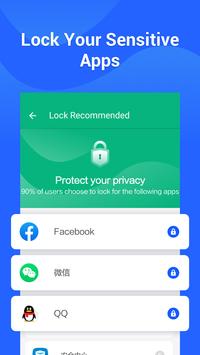
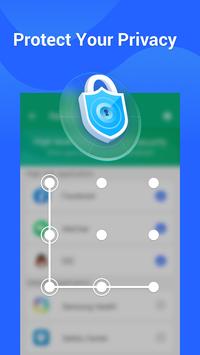
✨ App Locker is a super applock that uses passwords or pattern lock to protect your privacy with app lock, photo & video lock, message lock, baby lock and intruder selfie.
It prevents unauthorized access and provides security guard! Want to protect your privacy? Let’s lock it with App Locker!
💡 Highlight Features:
💎 App Lock--- Lock the specific apps such as message and contact, with passwords (numbers, letters), patterns, fingerprint at anytime!
💎 Lock Gallery – App locker locks gallery for your private photos and videos.
💎 Photo Lock--- Hide photos and videos most privacy/sensitive which you don’t want show to others.
💎 Intruder Selfie--- Prevent intruders who try to unlock your app screen without your permission and capture the intruders by photo.
💪 Why use App Locker?
☛ App Locker have strong privacy and security protection function through password lock, pattern lock, and fingerprint, which makes App Locker a must-have app lock and privacy guard to lock apps.
☛ App Locker provides you with fluent lock experience with privacy protection and serves the global users better user experience.
🔒 No more worrying about others check your secret!
☛ Guard your private data to keep your phone and app safer.
☛ You need to lock these apps at least: Settings and Google Play to prevent someone from uninstalling the app lock app
🔒 No more worrying about your child tampering with your phone!
You don’t have to worry about your kids messing up your phone while playing games.
📷 Find Out Intruder - Want to find out who tries to snoop on your private apps?
☛ App Locker will record the intruders by photo. The photo will be shown only to you to catch the curious one!
❓ How to change the password?
☛To enter a password for your app, open App Locker, click on Menu Settings, then select Change Password.
❓ I forgot my password, how to find it?
☛Enter your secure email and click "Reset Password."

9Apps 4.9














